Do You Need Internet For Projector Here Is Everything
You do not always need internet for a projector. Many projectors work perfectly fine without any Wi-Fi connection, using simple cables like HDMI or USB. However, if you want to stream movies, use smart features, or mirror your screen, an internet connection becomes essential. This guide covers everything you need to know about projector internet requirements and how to set up your device the right way.
Do you need internet for projector setups? This is one of the most common questions people ask before buying or setting up a projector. The short answer is no, you do not always need internet. But the full answer depends on what you plan to do with your projector. Let us break it all down.
A projector is essentially a display device. It takes a video signal and projects it onto a screen or wall. Think of it like a big monitor. Just like a monitor, it does not need the internet to show you a picture. You can plug in a laptop, a DVD player, a gaming console, or even a USB drive, and the projector will display whatever you feed it.
That said, things get more interesting when you want to use smart features. Smart projectors and streaming devices open up a whole world of online content. But they also come with the question of connectivity. In this article, we will cover every angle of projector internet needs. By the end, you will know exactly what you need and what you can skip.
## What Is A Projector And How Does It Work Without Internet
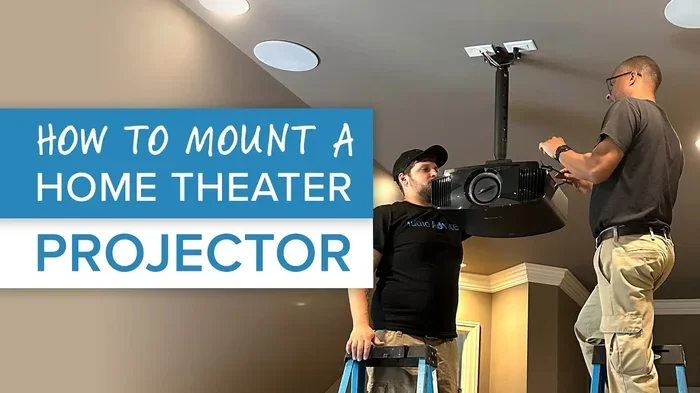
A projector is a device that projects images and videos onto a surface. People use them for movies, presentations, gaming, and even outdoor movie nights. The basic technology has not changed much over the years. Light passes through or reflects off a chip, and a lens magnifies the image onto a wall or screen.
The beauty of a projector is its simplicity. You do not need software updates. You do not need apps. You do not need Wi-Fi. You just need a power source and a signal input. That signal can come from many places.
### Common Offline Input Sources
Here are the most common ways to use a projector without any internet connection:
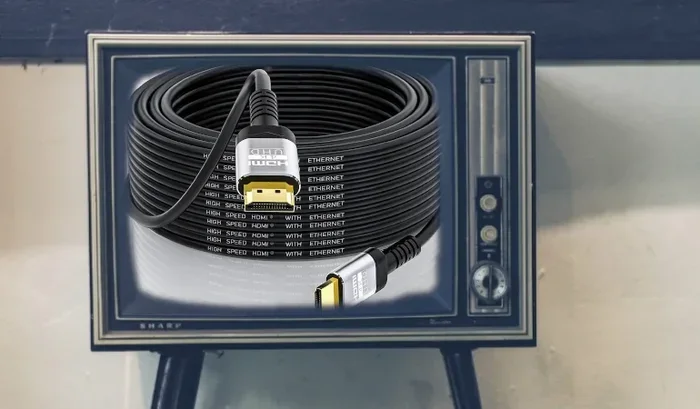
- HDMI cable: Connect a laptop, Blu-ray player, or gaming console directly to the projector.
- USB drive: Load movies, photos, or documents onto a USB stick and plug it into the projector.
- VGA cable: An older but still reliable option for connecting computers.
- AV cables: Composite or component cables work with older devices like VCRs or DVD players.
- Screen mirroring with a dongle: Devices like Chromecast or Roku can work offline if you cast local content.
As you can see, there are plenty of ways to enjoy a projector without ever touching a Wi-Fi network.
## Do You Always Need Internet For A Projector
The answer depends on your use case. Let us look at different scenarios to make this clear.
### When You Do NOT Need Internet
If you are giving a presentation at work, playing a game from a console, or watching a movie from a USB drive, you do not need internet at all. The projector simply displays whatever signal it receives. This is true for almost every projector on the market today.
Many people use projectors in classrooms, boardrooms, or outdoor settings where internet access is limited or unavailable. In these cases, a projector works just like a TV screen. It shows what you feed it.
### When You DO Need Internet
Now, let us flip the coin. There are times when internet access becomes important for a projector setup.
- Streaming content: If you want to watch Netflix, Hulu, Disney Plus, or YouTube directly on your projector, you need internet.
- Smart projector features: Many modern projectors come with built-in apps. These apps require an internet connection to load and play content.
- Screen mirroring: Casting your phone or laptop screen wirelessly often relies on Wi-Fi or a shared network.
- Firmware updates: Projectors sometimes need internet to download software updates that improve performance or fix bugs.
- Online gaming: If you plan to game online through a projector, you will need a stable internet connection.
So the real question is not whether you need internet. It is what you want to do with your projector.
## How To Use A Projector Without Internet
Using a projector offline is simple and straightforward. Here is a step-by-step guide to get you started.
### Step 1: Choose Your Input Source
Decide what device you want to connect. A laptop works great for presentations. A Blu-ray player is perfect for movies. A gaming console adds entertainment value. Pick the device that matches your needs.
### Step 2: Connect With The Right Cable
Most projectors come with at least one HDMI port. HDMI is the gold standard for audio and video in one cable. If your device has HDMI, use it. If not, check what ports your projector supports. Many models still include VGA or USB options.
### Step 3: Power On And Adjust Settings
Turn on both your projector and your source device. Use the projector remote to select the correct input channel. Adjust the focus and keystone settings until the image looks sharp and clear.
### Step 4: Add Audio If Needed
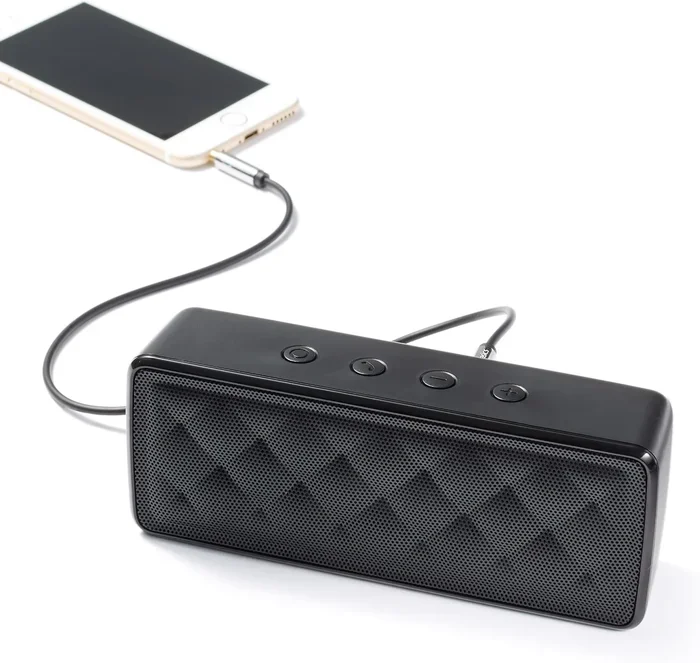
Most projectors have small built-in speakers. They work, but they are not always great. If you want better sound, connect external speakers. You can use a 3.5mm audio cable or even Bluetooth speakers. Some Bluetooth speakers work without Wi-Fi, using Bluetooth direct pairing instead.
Quick Tip: Always test your setup before the big event. Make sure all cables are secure and the image looks good on the screen.
## Types Of Projector Connections Explained
Understanding projector connections helps you decide whether you need internet. Let us break down the most common options.
### Wired Connections
Wired connections are the most reliable. They do not depend on any network, and they rarely drop signal.
- HDMI: The most popular connection today. It carries high-definition video and audio through a single cable. Almost every modern device supports HDMI.
- VGA: An older analog connection. It still works well for basic presentations but does not carry audio.
- USB: Some projectors have USB ports that can play media directly from a flash drive.
- Composite/Component: Older cables that use color-coded RCA connectors. They work with legacy devices.
### Wireless Connections
Wireless connections offer convenience but sometimes require internet.
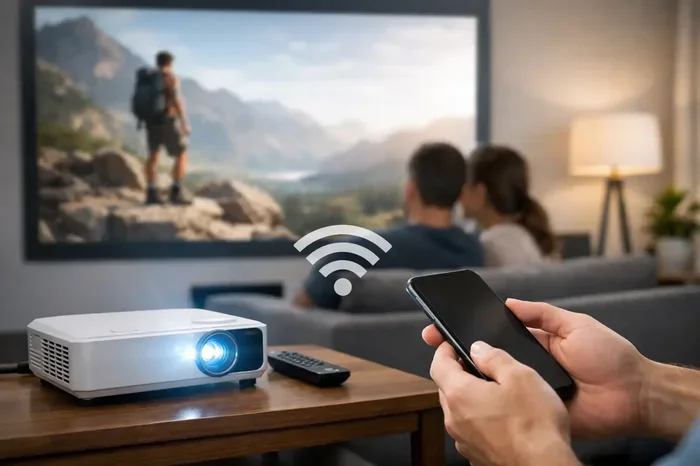
- Wi-Fi streaming: Smart projectors can connect to your home network to access streaming apps.
- Bluetooth: Great for connecting speakers or peripherals without needing internet.
- Screen mirroring: Technologies like Miracast or AirPlay allow wireless screen sharing. Some work over a local network, while others create a direct connection.
If you want the best of both worlds, consider a setup that uses wired connections for the main signal and wireless for audio. This way, you get reliability without being tied to the internet.
## Can You Add Streaming To A Projector Without Built-In Wi-Fi
Yes, you absolutely can. Many people use streaming devices to add internet capabilities to their projectors. Devices like Amazon Fire Stick, Chromecast, or Roku plug into the HDMI port of your projector. They give you access to all major streaming platforms.
Here is how it works:
- Plug the streaming device into your projector’s HDMI port.
- Connect the streaming device to your Wi-Fi network.
- Download your favorite apps on the device.
- Use the device remote to navigate and play content.
This is a great option if you already own a non-smart projector. You get all the streaming benefits without buying a new projector. Some people even use a fire stick for projector setups to access apps and games.
Quick Tip: If you plan to use a streaming stick, make sure your projector has enough HDMI ports and sufficient power supply. Some projectors have limited power output, which can cause issues with certain devices.
## Smart Projectors vs Traditional Projectors
Smart projectors have become very popular in recent years. They come with built-in operating systems, apps, and Wi-Fi capabilities. But do you really need one?
### Smart Projectors
Smart projectors include built-in internet connectivity and apps. They work like a TV but with a much bigger screen. You can stream content, browse the web, and even use voice assistants.
Pros:
- No extra devices needed for streaming
- Built-in Wi-Fi and sometimes Bluetooth
- Easy to set up and use
- Compact and portable in many cases
Cons:
- More expensive than traditional projectors
- Apps can slow down over time
- Dependent on software updates
- May need internet to access all features
### Traditional Projectors
Traditional projectors are simple display devices. They do not have built-in apps or Wi-Fi. You need external devices to provide content.
Pros:
- Usually more affordable
- Very reliable with fewer points of failure
- No software updates needed
- Works offline without any issues
Cons:
- Requires external devices for streaming
- More cables to manage
- Less convenient for quick setup
Both types have their place. If you want simplicity and smart features, go with a smart projector. If you want reliability and offline use, a traditional projector is the way to go.
## Common Mistakes People Make With Projector Internet Setup
Setting up a projector seems simple, but people make mistakes that cause frustration. Here are some common errors to avoid.
### Assuming All Projectors Need Wi-Fi
This is the biggest mistake. Many people think a projector will not work without internet. That is simply not true. A projector is a display tool, not a computer. It shows what you give it, regardless of your internet status.
### Using The Wrong Cable
Not all cables are created equal. Using an old VGA cable when your device only outputs HDMI will not work. Always check the ports on both your projector and your source device before buying cables.
### Forgetting About Audio
Projector speakers are often weak. People set up a beautiful image on the wall but forget that the sound quality is poor. Always plan your audio setup ahead of time.
### Overlooking Distance And Placement
The distance between your projector and the screen affects image size and quality. Place the projector too close, and the image will be small. Place it too far, and it will not fill the screen. Check your projector’s throw ratio before setting up.
Expert Insight: If you are setting up a home theater, consider the ambient light in the room. Even the best projector will look washed out in a bright room. Use blackout curtains or set up your viewing area in a darker space for the best results.
## Do You Need A Service Provider For Your Projector Setup
Some people wonder if they need a service provider or internet plan just to use a projector. The answer is no. You do not need a service provider for basic projector use. You only need internet if you plan to stream content or use smart features.
If you do want internet for streaming, you have options. You can use your existing home Wi-Fi, set up a mobile hotspot, or even use a temporary Wi-Fi device. Some people also use Ethernet cables for a more stable connection.
For example, if you already have T-Mobile home internet, you might wonder if you can add a mesh router to improve coverage in your projector room. The answer is yes, you can add a mesh router to T-Mobile home internet for better signal strength throughout your home.
## Final Thoughts On Projector Internet Needs
So, do you need internet for projector use? It all comes down to what you want to do. For basic presentations, movie nights with downloaded content, or gaming from a console, you do not need internet at all. A simple HDMI cable is all you need.
But if you want to stream movies, use smart apps, or cast content wirelessly, then yes, you will need an internet connection. The good news is that adding internet to a projector is easy and affordable with streaming devices and Wi-Fi adapters.
The best approach is to know your needs before you buy. Think about how you will use the projector most of the time. If offline use is your priority, skip the smart features and save money. If streaming is your main goal, invest in a smart projector or a streaming stick.
No matter which path you choose, a projector is a fantastic way to enjoy big-screen entertainment. With the right setup, you can create a home theater experience that rivals any cinema.
Key Takeaway: A projector does not need internet to work. It needs a signal source. Keep that in mind, and you will never worry about connectivity again.
Key Takeaways
- Projectors can work without internet: Most projectors only need a power source and a video signal to display content.
- Internet is only needed for streaming: If you plan to watch Netflix, YouTube, or use smart projector features, you will need a connection.
- Multiple connection options exist: HDMI, USB, Bluetooth, and VGA cables can all deliver content without Wi-Fi.
- Offline content is fully supported: You can play downloaded movies, photos, and presentations without any internet at all.
- Wireless projectors add convenience: Some models support Wi-Fi and screen mirroring, but they still work offline if needed.
- Setup simplicity varies: Wired connections are more reliable, while wireless setups offer more flexibility.
Frequently Asked Questions
Can I use a projector without any internet connection at all?
Yes, absolutely. Most projectors work perfectly fine without internet. You just need a source device like a laptop, DVD player, or USB drive connected via HDMI or another cable. The projector displays whatever signal it receives, no internet required.
Do smart projectors work offline?
Smart projectors can work offline for basic display functions. However, you will not be able to access streaming apps or use online features without an internet connection. The projector itself will still display content from connected devices.
Can I use a fire stick with a projector without Wi-Fi?
A fire stick needs internet to load streaming apps and content. However, you can use it offline to display local content or mirror your screen if you set it up on a local network. For full streaming functionality, Wi-Fi is necessary.
What is the best way to connect a projector without Wi-Fi?
The best way is to use an HDMI cable. It provides high-quality video and audio through a single connection. You can connect a laptop, gaming console, or Blu-ray player directly. USB drives and VGA cables are also solid offline options.
Do I need a service provider to use a projector?
No, you do not need a service provider for basic projector use. You only need internet if you plan to stream content or access online features. A simple cable connection to a source device is all you need for offline use.
Can I make my projector wireless without internet?
Yes, you can make a projector wireless using Bluetooth or a wireless HDMI transmitter. These devices create a direct connection between your source device and the projector without needing Wi-Fi or an internet connection.