Does It Matter What Modem You Use With Your Router
Yes, the modem you pair with your router does matter — and choosing the wrong one can slow down your internet or cause constant connection drops. Your modem needs to match your ISP’s requirements, support your internet speed tier, and work seamlessly with your router. This guide breaks down everything you need to know about modem and router compatibility, so you can make the best choice for your home network.
Your internet setup is only as strong as its weakest link. And that weakest link is often the modem you choose to pair with your router. Many people grab whatever modem their internet service provider recommends, plug it in, and move on with their lives. But what if you could get faster speeds, better stability, and fewer headaches just by picking the right modem?
The short answer is yes, it absolutely matters what modem you use with your router. The modem is the bridge between your home and the wider internet. If that bridge is weak, narrow, or outdated, nothing else in your network will perform at its best. Whether you are a casual browser or a heavy streamer, understanding modem compatibility can save you money, time, and frustration.
In this guide, we will walk through everything you need to know. We will cover modem and router compatibility, why your ISP matters, how DOCSIS versions affect your speed, and whether you should buy your own gear or stick with a rental. By the end, you will know exactly what to look for when shopping for a modem.
Key Takeaways
- Modem-router compatibility is critical: Not every modem works with every router or ISP, and mismatched gear leads to poor performance.
- Your ISP has approved modem lists: Always check your internet service provider’s compatibility list before buying.
- DOCSIS version affects speed: DOCSIS 3.1 modems unlock gigabit speeds, while older versions cap your connection.
- Buying your own modem saves money long-term: Renting from your ISP costs extra every month.
- Separate modem and router gives more control: You can upgrade each piece independently as technology evolves.
- Channel bonding matters for performance: More bonded channels mean faster downloads and better stability.
- Firmware updates keep your gear secure: Regular updates patch vulnerabilities and improve performance.
📑 Table of Contents
- What Does a Modem Do, and Why Does It Matter?
- Does Your ISP Dictate Which Modem You Can Use?
- How DOCSIS Versions Affect Your Internet Speed
- Should You Buy Your Own Modem or Rent From Your ISP?
- What Happens When You Pair the Wrong Modem With Your Router?
- Quick Tips for Choosing the Right Modem
- Can You Use Any Router With Any Modem?
- Common Mistakes People Make When Choosing a Modem
- The Bottom Line: Does It Really Matter?
What Does a Modem Do, and Why Does It Matter?
A modem takes the signal from your internet service provider and translates it into data your devices can understand. Think of it as a translator between your home network and the outside world. Without a modem, your router has nothing to distribute. Without a router, your modem can only connect one device at a time.
The modem you choose directly impacts your internet speed, connection stability, and overall network performance. A cheap or outdated modem will bottleneck even the fastest router and the best internet plan. It is like putting a narrow funnel on a fire hose — no matter how much water flows in, only a little gets through.
When you pair the right modem with your router, you unlock the full potential of your internet plan. Your speeds improve, your connection stays stable during peak hours, and you experience fewer dropouts. This is why modem router compatibility is not just a technical detail — it is the foundation of your entire home network.
Modem vs Router: What Is the Difference?
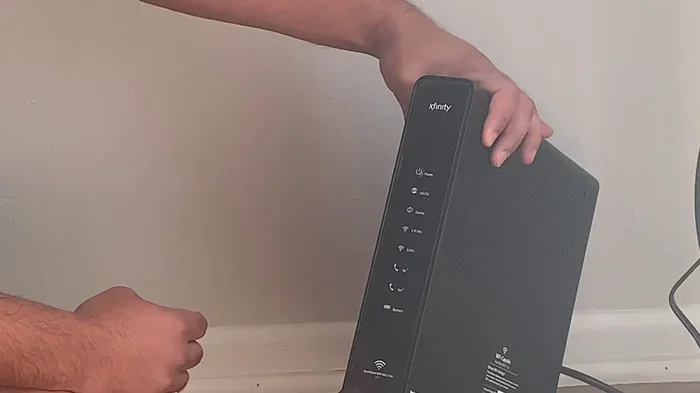
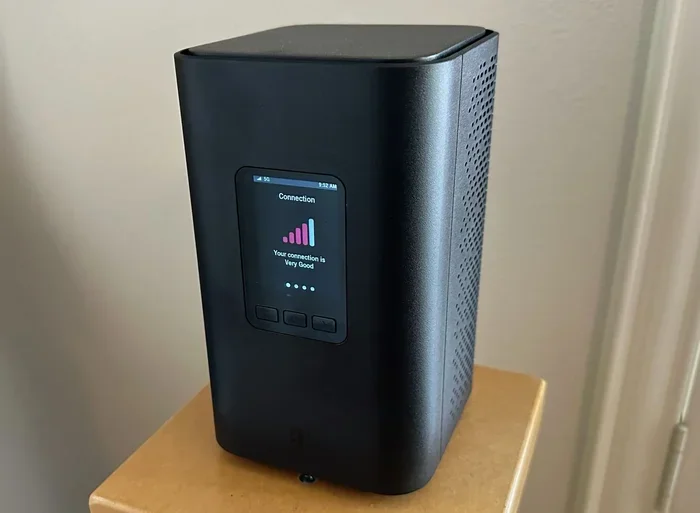
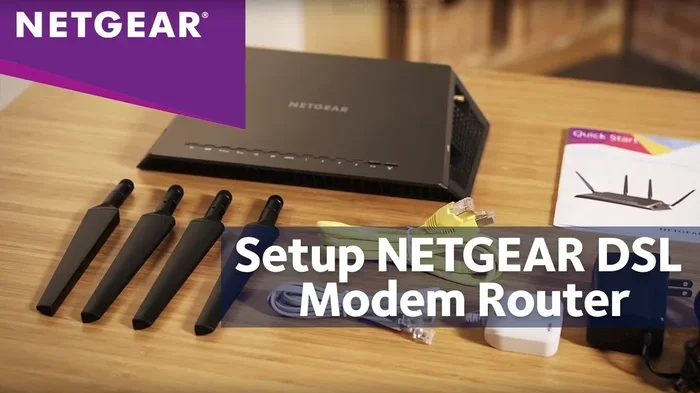
People often use these terms interchangeably, but they are two different devices with different jobs. A modem connects your home to the internet. A router distributes that internet connection to your phones, laptops, and smart home devices. Some devices combine both functions into one unit called a gateway device or a modem-router combo.
Using a separate modem and router gives you more flexibility. You can upgrade your router without touching the modem. You can swap in a dual-band router for better wireless coverage. You can add mesh satellites or access points without replacing your modem. This modular approach is why many tech-savvy users prefer the setup.
Does Your ISP Dictate Which Modem You Can Use?
Yes, your internet service provider plays a huge role in which modem you can use. Every ISP has a list of approved modems that work on their network. This list is called a supported device list or an approved modem list. If you buy a modem that is not on this list, it may not work at all, or it may work poorly.
Your ISP controls the downstream and upstream frequencies used in your area. A modem must support those specific frequencies to communicate properly. For example, Comcast Xfinity uses different frequency bands than AT&T or Cox. So a modem that works perfectly with one provider may be completely useless with another.
Why You Should Check Your ISP’s Approved Modem List
Before you buy any modem, visit your ISP’s website and look up their approved modem list. This list tells you exactly which models are compatible. It also tells you which models support your current speed tier and any upcoming speed upgrades.
Buying a modem without checking this list is the most common mistake people make. They end up with a modem that works but cannot deliver their full internet speed. Some ISPs will even refuse to troubleshoot issues with unapproved modems. So always, always check the list first.
If you are currently renting a modem from your ISP, you can usually find the approved list by logging into your account or calling customer support. Once you find a compatible model, you can often return the rental and start saving money right away.
How DOCSIS Versions Affect Your Internet Speed
DOCSIS stands for Data Over Cable Service Interface Specification. It is the technology standard that cable modems use to communicate with your ISP. Different versions of DOCSIS support different speeds, and choosing the right version is one of the most important decisions you will make.
Here is a simple breakdown of the most common DOCSIS versions you will encounter:
- DOCSIS 3.0: This is the older standard. It still works well for most basic internet plans. It supports speeds up to about 1 gigabit per second through channel bonding.
- DOCSIS 3.1: This is the current standard for most modern networks. It supports speeds up to 10 gigabits per second and offers better efficiency, lower latency, and improved connection stability.
- DOCSIS 4.0: This is the newest standard, designed for symmetrical gigabit and multi-gig speeds. It is not yet widely available but represents the future of cable internet.
If your internet plan offers speeds above 1 gigabit per second, you need a DOCSIS 3.1 modem. A DOCSIS 3.0 modem will cap your speeds and leave performance on the table. On the other hand, if you have a basic 100 Mbps plan, a DOCSIS 3.0 modem will handle it just fine.
The key takeaway is to match your modem’s DOCSIS version to your internet speed tier. This is one of the biggest factors in how your modem and router work together. Internet speed is not just about your plan — it is also about the equipment delivering that plan to your home.
Should You Buy Your Own Modem or Rent From Your ISP?
This is one of the most debated questions in home networking. The answer depends on your situation, but for most people, buying your own modem is the better choice. Here is why.
Most ISPs charge a monthly modem rental fee, typically between $10 and $15 per month. Over a year, that adds up to $120 to $180. A decent modem costs between $100 and $200 upfront. So you pay for the modem in less than a year and then own it outright. After that, every month you save is pure profit.
Beyond saving money, owning your modem gives you more control. You can choose a model with better features, faster speeds, and stronger connection stability. You are not stuck with whatever your ISP decides to send you. And when you want to upgrade, you can do so on your own timeline, not your ISP’s schedule.
When Renting Makes Sense
There are a few situations where renting from your ISP is the better option. If you are not comfortable troubleshooting networking equipment, renting gives you a support line to call when things go wrong. If you move frequently, the hassle of buying and returning modems may not be worth it.
Also, some ISPs bundle modem rentals with their service plans and offer discounts for staying with the combo. In these cases, the savings may not be as clear. Do the math carefully before deciding.
For most people who stay in one place and want the best performance, buying your own modem is the way to go. Just make sure it is on your ISP’s approved list. If you are unsure about the setup process, you can always check guides on how to install a router yourself for helpful tips.
What Happens When You Pair the Wrong Modem With Your Router?
Mismatched equipment causes a host of problems. Some are obvious, and some are subtle. Here are the most common issues you will face when your modem and router do not work well together.
- Slow speeds: An outdated modem cannot pass through the speeds your plan offers. Your internet feels sluggish even though you are paying for fast service.
- Frequent disconnections: Incompatible modems may drop the connection during peak usage hours when your neighborhood is online.
- Poor Wi-Fi coverage: If your modem cannot deliver a strong signal to your router, your wireless coverage suffers throughout the house.
- No access to advanced features: Modern routers support features like Wi-Fi performance optimization, QoS settings, and parental controls. But these features depend on a solid modem connection to work properly.
- Wasted money: You pay for an expensive internet plan but cannot get the speeds you are paying for because your modem is the bottleneck.
These problems are entirely preventable. By choosing a modem that matches your ISP’s requirements and your speed tier, you avoid all of these headaches. A well-matched setup delivers smooth streaming, fast downloads, and reliable video calls.
Quick Tips for Choosing the Right Modem
Shopping for a modem can feel overwhelming with all the options available. Here are some quick tips to simplify the process.
- Check your ISP’s approved list first. This is non-negotiable. No matter how good a modem looks on paper, it will not help you if your ISP does not support it.
- Match the DOCSIS version to your speed tier. If you have gigabit internet, get a DOCSIS 3.1 modem. If you have a basic plan, DOCSIS 3.0 is fine.
- Look at channel bonding. More bonded channels mean better speed and stability. For most households, 16 to 32 downstream channels is a sweet spot.
- Consider a modem-router combo if space is tight. These all-in-one devices save space and simplify setup. However, they offer less flexibility than separate devices.
- Read real user reviews. Look for feedback about reliability, speed consistency, and customer support experiences.
- Think about future-proofing. Buying a DOCSIS 3.1 modem now prepares you for faster speed tiers without needing another purchase soon.
If you are also thinking about upgrading your router, check out guides on how to buy a faster router to make sure your entire setup works together seamlessly. A great modem paired with a great router is the ultimate home network setup.
Can You Use Any Router With Any Modem?
In most cases, yes. Routers connect to modems through a standard Ethernet cable using the WAN port. As long as your modem has an Ethernet output and your router has a WAN input, they will work together. This is a universal standard across all modern networking equipment.
However, there are a few nuances to keep in mind. Some ISP-provided modems operate in gateway mode, which means they handle both modem and router functions. In this case, you need to put the modem into bridge mode before connecting a separate router. This allows the router to take over the wireless duties while the modem handles the internet connection.
If you are using a modem-router combo from your ISP and want to add your own router, bridge mode is essential. Without it, you get double NAT issues, which can cause problems with online gaming, port forwarding, and some streaming services. Most modern routers have a simple bridge mode setting in their admin panel.
Also, keep in mind that your router’s wireless capabilities do not depend on the modem. A great router can deliver excellent Wi-Fi performance even with a basic modem. But a great modem paired with a great router gives you the best of both worlds — fast wired speeds and strong wireless coverage.
When you are ready to upgrade your wireless setup, consider exploring options like how to buy a router and install it yourself. It is easier than most people think, and it gives you full control over your home network.
Common Mistakes People Make When Choosing a Modem
Even when people know they should be careful, they still make avoidable mistakes. Here are the most common ones.
- Buying the cheapest modem available: Budget modems often have fewer channels, older DOCSIS versions, and weaker build quality. They may save you money upfront but cost you in performance and longevity.
- Ignoring ISP approval: A modem that is not approved by your ISP will not work properly, period. Do not skip this step.
- Not checking the speed tier: A modem that supports 100 Mbps will not help you if your plan offers 500 Mbps. Always match the modem to your plan.
- Forgetting about firmware updates: Modems need firmware updates just like phones and computers. Check that the manufacturer still supports the model with regular updates.
- Assuming newer is always better: DOCSIS 4.0 modems are not yet widely supported by ISPs. A DOCSIS 3.1 modem is the best choice for most people right now.
Avoiding these mistakes puts you ahead of most consumers. You will end up with a setup that is reliable, fast, and built to last.
The Bottom Line: Does It Really Matter?
The answer is a clear yes. The modem you use with your router is one of the most important decisions in your home network setup. It affects your speed, your stability, your coverage, and even your monthly costs. Taking the time to choose the right modem pays off in every way.
Start by checking your ISP’s approved modem list. Match the DOCSIS version to your internet speed tier. Decide whether to buy or rent based on your long-term plans. And if you want the best performance, use a separate modem and router rather than a combo unit.
Your internet experience depends on the entire chain of equipment working together. A great modem, a great router, and a great internet plan create the perfect setup for work, play, and everything in between. Take control of your network today, and you will feel the difference every single day.
For more tips on getting the most out of your home network, explore articles on how to change your router with Spectrum and learn about other ways to optimize your internet setup. A well-informed user is the best defense against slow, unreliable internet.
Frequently Asked Questions
Can I use any modem with any router?
In most cases, yes. As long as your modem has an Ethernet output and your router has a WAN input, they will work together. The key is ensuring your modem is compatible with your ISP, not necessarily with the router itself.
What happens if I use an unapproved modem with my ISP?
Your ISP may refuse to provide technical support for issues related to unapproved modems. In some cases, the modem simply will not work on their network. Always check your ISP’s approved modem list before purchasing.
Do I need a DOCSIS 3.1 modem for gig internet?
Yes, if your internet plan offers speeds above 1 gigabit per second, a DOCSIS 3.1 modem is recommended. Older DOCSIS 3.0 modems may not be able to deliver those speeds reliably.
Is it cheaper to buy a modem or rent one?
Buying your own modem is almost always cheaper in the long run. ISP rental fees typically range from $10 to $15 per month, which adds up to $120 to $180 per year. A modem pays for itself within a year or two.
Can I use a modem-router combo instead of separate devices?
Yes, modem-router combos work well and save space. However, they offer less flexibility. You cannot upgrade the modem and router independently, and if one component fails, you may need to replace the entire unit.
How do I put my ISP modem into bridge mode?
You can usually access your modem’s admin panel through a web browser. Look for a setting called bridge mode or gateway mode and disable the router functions. This allows your separate router to handle all wireless duties. If you need help, check guides on how to buy a router and install it yourself for step-by-step instructions.