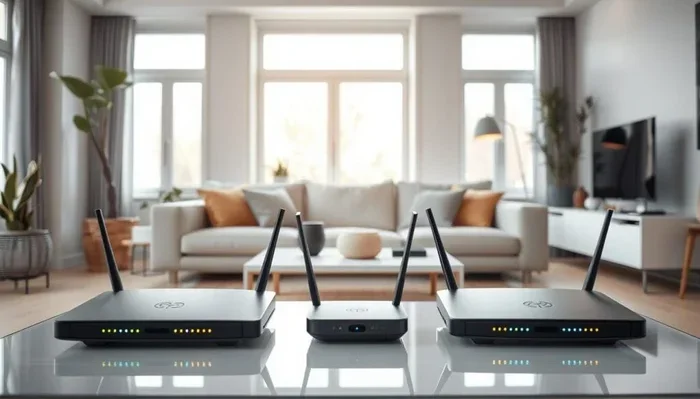
Can I Put My Wi Fi Box Anywhere Without Losing Signal
You can put your Wi-Fi box almost anywhere, but the wrong spot kills your signal fast. This guide reveals the best WiFi router placement spots, common mistakes that cause dead zones, and simple fixes to boost your wireless coverage at home. Learn how to get strong internet signal strength in every room without buying expensive gear.
You bought a great broadband router. You paid good money for it. But the question remains — can you really put your WiFi box anywhere in your home and expect great internet signal strength?
The short answer is no. Not everywhere works well. But the good news is that you do not need a degree in engineering to get strong wireless coverage in every room. A few smart decisions about router placement can transform your WiFi performance overnight.
In this guide, I will walk you through exactly where to place your WiFi box, which spots to avoid, and what to do if your home has tricky layout challenges. By the end, you will know exactly how to set up your home network setup for the best possible wireless signal everywhere.
Key Takeaways
- Placement matters: Where you put your router directly affects your WiFi speed and signal strength throughout your home.
- Central location is king: The best spot is usually the center of your home, elevated off the floor, away from walls and obstacles.
- Avoid common mistake spots: Closets, cabinets, behind TVs, and near microwaves or fish tanks weaken your signal.
- Use extenders or mesh: If you can’t get coverage everywhere, WiFi extenders or mesh systems solve the problem easily.
- Test your signal: Free apps and tools let you check signal strength in different rooms before finalizing your router spot.
- Small changes make big differences: Even moving your router a few feet can dramatically improve your wireless coverage.
📑 Table of Contents
- Why Your WiFi Box Placement Matters So Much
- Best Places to Put Your WiFi Box
- Worst Places to Put Your WiFi Box
- How to Test Your WiFi Signal in Different Rooms
- Solutions When You Cannot Get Perfect Placement
- Common Mistakes That Hurt Your WiFi Signal
- How to Choose the Right Spot for Your Specific Home
- Can You Put Your WiFi Box Outside?
- Does Router Placement Affect WiFi Speed?
- Final Thoughts on WiFi Box Placement
- FAQ
Why Your WiFi Box Placement Matters So Much
Your WiFi router sends out radio signals in all directions. Think of it like a light bulb. Put it in a dark corner behind furniture, and the light barely reaches the room. Put it in the open, and it lights up everything around it.
Radio waves work the same way. They bounce off walls, get absorbed by metal, and lose strength through floors and ceilings. The router placement you choose determines how well those waves travel through your home.
Good placement means:
- Faster WiFi speed in every room
- Fewer dropped connections
- Better streaming and video calls
- Less frustration for everyone in the household
Bad placement means dead zones, slow loading pages, and endless calls to your internet provider. So yes, where you put your WiFi box genuinely matters more than most people realize.
The Science Behind WiFi Signal Loss
WiFi signals travel on the 2.4 GHz and 5 GHz frequency bands. These signals are weaker than you might think. A typical broadband router outputs about 100 to 200 milliwatts of power. That is tiny compared to a cell tower.
When your signal hits a thick concrete wall, it loses about 3 to 10 dB of strength. A metal filing cabinet? Even more loss. Water, like a large fish tank, absorbs WiFi signals almost completely. This is why your WiFi signal strength drops in certain rooms.
Understanding this helps you see why router positioning is not just a suggestion. It is the foundation of a good home network setup.
Best Places to Put Your WiFi Box
So where should you actually put your WiFi box? Let me give you the ideal spots first, and then we will talk about what to avoid.
1. The Center of Your Home
This is the golden rule of WiFi router placement. If your router sits in the middle of your house, the signal reaches every room more evenly. Think about it — the waves radiate outward in all directions, so a central spot gives the best overall wireless coverage.
For example, if you live in a two-story house, placing the router on the staircase landing works wonders. The signal goes up to the second floor and down to the ground floor simultaneously.
2. An Elevated, Open Space
Put your router up high. On a shelf or a bookcase works great. Signals travel downward better than upward. Elevating your broadband router by just a few feet can noticeably improve internet signal strength on the main floor.
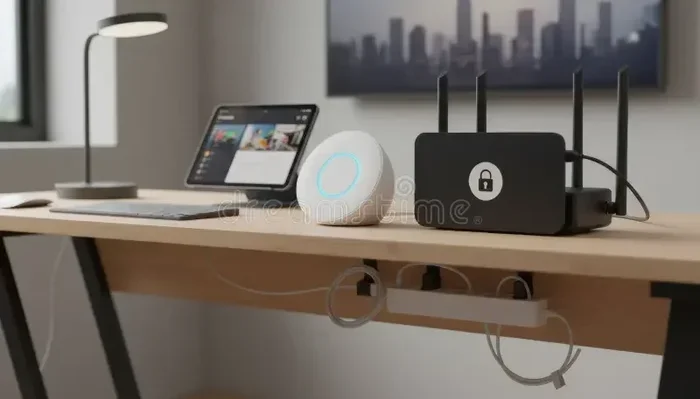
Open spaces are key. Do not hide it inside a cabinet or behind a pile of boxes. The more open space around the router, the better the signal spreads.
3. Near Your Main Usage Area
If most of your internet use happens in the living room, place the router nearby. You do not always need a perfectly central spot. Prioritize the area where you spend the most time online.
This is especially true if you work from home and need rock-solid WiFi performance in your office. Put the router in the same room or just outside the door.
Worst Places to Put Your WiFi Box
Now let us talk about the spots that will ruin your wireless signal. These are the places I see people put their routers all the time, and they wonder why their WiFi speed is terrible.
1. Inside a Closet or Cabinet
I get it. You want your router hidden. But putting it inside a closed closet or cabinet is one of the worst things you can do. The doors block the signal completely. Clothes and shoes absorb radio waves. Your WiFi box will struggle to reach even the next room.
If you must hide your router, use an open-faced router shelf or a decorative box with open sides. Something that lets the signal pass through freely.
2. Behind the Television
Many people tuck their router behind the TV. This looks neat, but it is terrible for signal. Modern TVs contain metal shielding. The TV itself blocks a huge portion of the wireless signal. Plus, the router heats up behind electronics, which can reduce its lifespan.
Keep your router at least 3 to 5 feet away from your TV. Your internet connectivity will thank you.
3. On the Floor
Placing your router on the floor is a common mistake. Signals spread outward and slightly upward from the router. If it sits on the ground, a lot of the signal goes under furniture and gets absorbed by the floor.
Even moving it from the floor to a table or shelf can make a noticeable difference in your WiFi performance.
4. Near Microwaves and Other Electronics
Microwaves operate on a similar frequency to 2.4 GHz WiFi. When you run your microwave, it can completely drown out your wireless signal in the kitchen. Other electronics like baby monitors, cordless phones, and Bluetooth speakers cause interference too.
Keep your router at least 5 to 6 feet away from these devices. This simple step reduces signal interference significantly.
5. Near Fish Tanks or Large Water Sources
Water absorbs WiFi signals. A large fish tank near your router can block a significant portion of the signal on the other side. Even a small aquarium can cause problems if the router is right next to it.
Keep your broadband router away from water sources. This includes fish tanks, indoor fountains, and even large plants with water trays.
How to Test Your WiFi Signal in Different Rooms
Before you decide on a final spot for your router, test the signal. You do not need expensive equipment. Free tools make this easy.
Here is how to do it:
- Walk around your home with your phone or laptop.
- Use a free app like WiFi Analyzer (Android) or NetSpot (Mac/Windows).
- Check the signal strength in each room.
- Note the dBm readings. Numbers closer to 0 mean stronger signal.
- -30 dBm is excellent. -60 dBm is good. -70 dBm is weak. Below -80 dBm is very poor.
Once you know where the signal is weak, adjust your router placement accordingly. Even moving the router 10 feet in a different direction can change everything.
Quick Tip: Test your signal at different times of day. Internet speeds can vary based on network congestion. Testing during peak hours (evenings) gives you the most realistic picture of your WiFi performance.
Solutions When You Cannot Get Perfect Placement
Sometimes the perfect spot for your WiFi box is simply not an option. Maybe your landlord restricts where you can put it. Or your apartment layout makes central placement impossible. Do not worry. There are solutions.
1. WiFi Extenders
A WiFi range extender picks up your existing signal and rebroadcasts it. It is like adding a second speaker in a large room. Extenders are affordable and easy to set up.
The downside? Extenders cut your bandwidth in half because they use the same radio to receive and send data. But for basic browsing and email, they work fine.
2. Mesh WiFi Systems
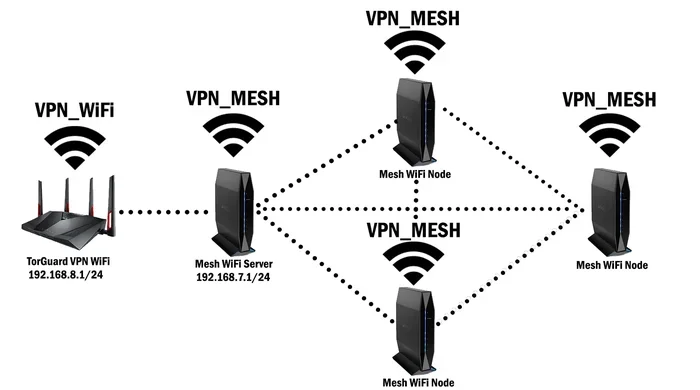
A mesh network is the best solution for large homes. Instead of one router, you get multiple nodes placed around your house. These nodes talk to each other and create one seamless wireless network.
Mesh systems like Google Nest WiFi, Eero, and TP-Link Deco are popular choices. They are easy to set up, look great, and deliver excellent WiFi speed throughout the home.
Expert Insight: If you have a home larger than 2,000 square feet or multiple floors, a mesh system is worth the investment. It eliminates dead zones without the hassle of running Ethernet cables through walls.
3. Powerline Adapters
Powerline adapters use your home’s existing electrical wiring to carry internet signals. You plug one adapter near your router and another in a room with weak signal. Simple and effective.
These work best in homes with modern wiring. Older homes with aluminum wiring may see reduced performance. But for most households, powerline adapters are a solid backup option.
4. MoCA Adapters
If your home already has coaxial cables (the cables that connect to your TV), MoCA adapters use them to carry internet. They offer faster speeds than powerline adapters and are more stable.
This is a great option for home offices or home theaters where you need reliable internet connectivity.
Common Mistakes That Hurt Your WiFi Signal
Even with the best router placement, small mistakes can undo your efforts. Here are the most common ones I see.
- Hiding the router completely: Your router needs airflow. Covering it traps heat and weakens the signal. Keep it visible and open.
- Not updating firmware: Router manufacturers release updates that improve WiFi performance and fix bugs. Check for updates regularly.
- Using the wrong channel: In apartment buildings, many routers use the same channel. This causes congestion. Switching to a less crowded channel can boost your wireless signal significantly.
- Ignoring the 5 GHz band: If your router supports dual-band, use the 5 GHz band for devices close to the router. It is faster and less crowded than the 2.4 GHz band.
- Placing the router on the wrong surface: Metal surfaces, mirrors, and glass reflect WiFi signals. Place your router on wood, plastic, or fabric surfaces instead.
Avoiding these mistakes alone can improve your WiFi signal strength by 20 to 30 percent. That is a huge win without spending a single dollar.
How to Choose the Right Spot for Your Specific Home
Every home is different. Here is a quick guide based on common home types.
| Home Type | Best Router Placement | Watch Out For |
|---|---|---|
| Small apartment | Center of the apartment, on a shelf | Thin walls mean signal travels far — place it away from noisy neighbors’ routers |
| Two-story house | Staircase landing or hallway on the first floor | Upper floor may need a mesh node or extender |
| Large open-plan home | Center of the main living area, elevated | Long distances can still weaken signal — consider a mesh system |
| Home with many walls | Near the most-used room, elevated and open | Multiple walls block signal — a range extender helps |
| Rural or large property | Central indoor location, plus outdoor access point | Long distances require mesh or outdoor WiFi equipment |
This table gives you a starting point. Adjust based on your specific layout and needs. The key is to test and adjust until you find the sweet spot for your home network setup.
Can You Put Your WiFi Box Outside?
Some people wonder if they can put their router outside to cover a large yard or patio. The short answer is yes, but with important caveats.
Most standard routers are not weatherproof. Rain, humidity, and direct sunlight can damage the electronics. If you want to place your WiFi box outside, you need a weatherproof enclosure or an outdoor-rated access point.
Outdoor WiFi access points are designed to handle the elements. They provide strong wireless coverage for patios, gardens, and large yards. Brands like Ubiquiti and TP-Link make affordable outdoor models that work great.
Just remember that even the best outdoor router will struggle through thick walls. The signal is strongest in open air. For indoor coverage, keep your main router inside and use an outdoor access point for the yard.
Does Router Placement Affect WiFi Speed?
Absolutely. Router positioning has a direct impact on your WiFi speed. A router placed in a poor location can cut your speeds by 50 percent or more, even if you have a fast internet plan.
Here is a real-world example. A friend of mine had a 500 Mbps internet plan. But his router sat in the basement, behind a furnace and stacked laundry machines. In the living room upstairs, he was getting 40 Mbps. That is less than 10 percent of his plan speed.
We moved his router to the first floor, centered and elevated. Within minutes, his living room speed jumped to 380 Mbps. That is the power of good WiFi router placement.
The lesson is simple. Before you upgrade your internet plan or buy expensive equipment, fix your router placement first. It costs nothing and often solves the problem entirely.
Final Thoughts on WiFi Box Placement
So, can you put your WiFi box anywhere? Technically yes. Practically, no. The wrong spot leads to weak signals, slow speeds, and frustrating dead zones. But with a little thought and effort, you can find the perfect router placement that gives you strong wireless coverage everywhere you need it.
Start with the center of your home, elevate the router, keep it in the open, and away from interference sources. Test your signal in every room. If you still have weak spots, use a WiFi range extender, a mesh network, or powerline adapters.
Remember, your broadband router is the heart of your home network setup. Treat it well, place it wisely, and it will serve you reliably for years to come. A few small changes today can save you hours of frustration tomorrow.
Take action now. Walk over to your router, look at where it sits, and ask yourself — is this the best spot? If the answer is no, move it. Your WiFi signal strength and internet connectivity will improve immediately.
FAQ
Can I put my WiFi router in a bedroom?
Yes, you can put your router in a bedroom as long as it is not inside a closed cabinet or behind thick walls. The bedroom can work well if it is near the center of the home. Just make sure the router has open space around it and is not tucked away. Avoid placing it right next to your head while sleeping, as the radio waves are always active.
How far can a WiFi router reach?
A standard indoor router can reach about 150 feet (46 meters) indoors under ideal conditions. However, walls, floors, and furniture reduce this distance significantly. In a typical two-story home, you might get good coverage up to 80 to 100 feet from the router. Beyond that, you will likely need a WiFi range extender or mesh network to maintain strong wireless signal.
Does the router orientation matter?
Yes, it does. Most routers have antennas that broadcast the signal outward in a donut shape. If your router has external antennas, keep them upright and perpendicular to each other. Horizontal antennas work best for multi-floor coverage. Adjusting antenna angle is a simple trick that can improve your WiFi performance without any cost.
Will a WiFi extender slow down my internet?
A WiFi extender can reduce your speed by about 30 to 50 percent because it uses the same radio to receive and rebroadcast the signal. However, for most everyday tasks like browsing, streaming, and video calls, this speed reduction is barely noticeable. For the best results, place the extender halfway between your router and the weak spot, not too far from either.
Should I turn off my WiFi router at night?
Turning off your router at night can save a small amount of electricity and reduce exposure to radio waves. However, it will interrupt any smart home devices, security cameras, or overnight downloads. If you experience signal interference from neighbors, turning off the router at night is not a practical fix. Instead, focus on proper router placement and channel selection.
What is the difference between a WiFi router and a modem?
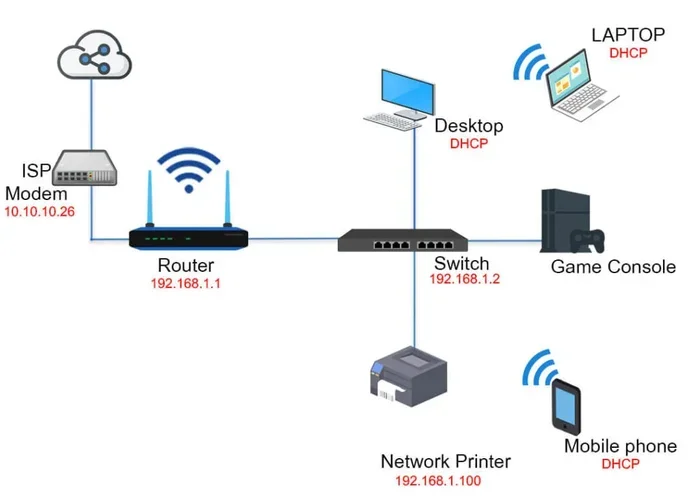
A modem connects your home to the internet through your internet service provider. A router takes that connection and shares it wirelessly with your devices. Many providers give you a combined modem-router unit, often called a gateway. Understanding this difference helps you troubleshoot internet connectivity issues and decide whether you need a separate router for better wireless coverage.